
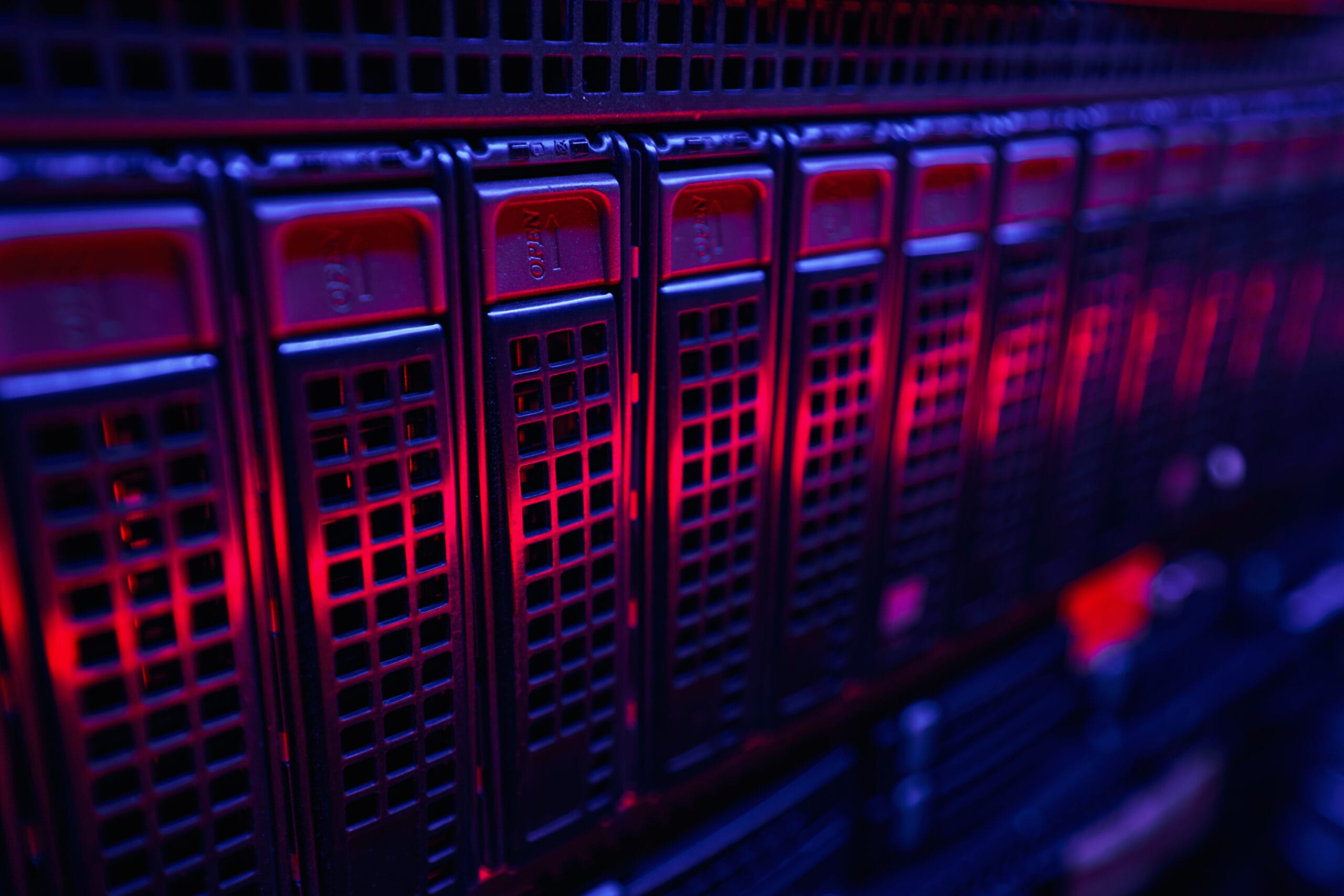

Bare metal hosting gives one customer control of a physical server. These seven considerations explain where it can help and what to compare with cloud virtual machines before choosing.
1. No Virtualisation Overhead
Cloud VMs use virtualisation to allocate physical resources. The performance effect varies by platform and workload; there is no universal overhead percentage. Compare representative application benchmarks on equivalent hardware.
Running directly on bare metal avoids a guest hypervisor layer. Whether that improves your application depends on CPU generation, storage, network and software configuration; measure the result on comparable systems.
2. Predictable, Consistent Performance
Some cloud VMs share host resources with other tenants. Resource contention depends on the service and its allocation policy. Dedicated hardware removes other customers from that server, while network and upstream resources may remain shared.
Dedicated CPU, RAM and local storage can make capacity planning easier. Performance still depends on application load, hardware health and shared upstream services.
3. Full Hardware Control
Bare metal gives you access to every layer of the stack:
- Choose your own operating system and kernel
- Configure CPU frequency scaling and power states
- Access raw disk devices for custom storage configurations
- Deploy custom network configurations and firewall rules
- Run nested virtualisation (KVM, Proxmox, VMware ESXi) on your own terms
This level of control isn’t available on a cloud VM.
4. Cost for Sustained Workloads
Cloud VMs are convenient for small workloads, but the economics shift at scale. As soon as you need multiple vCPUs and high RAM, cloud pricing escalates quickly.
Compare current quotes for the CPU generation, memory, storage performance and traffic your application needs. Include backup, licensing, administration, setup fees and tax. A cheaper older processor is not automatically equivalent to a newer cloud CPU.
5. Ideal for Proxmox, VMware and Private Cloud
Bare metal can host your own virtual machines or containers. Check hardware compatibility, licensing and support before choosing software such as:
- Proxmox VE for open-source VM and container management
- VMware ESXi for enterprise-grade virtualisation
- KVM for custom virtual machine environments
- Docker and Kubernetes at scale without shared-host constraints
You get the efficiency of virtualisation with bare-metal performance underneath.
6. Enhanced Security and Compliance
Shared cloud infrastructure means your data physically coexists with other customers’ data on the same hardware. For regulated industries — healthcare, finance, legal — this can create compliance challenges.
Dedicated hardware provides physical separation from other customers on that server. It does not, by itself, meet a compliance requirement; assess the complete service, data handling and operational controls.
Ask the provider for current certificates, their scope and the responsibilities covered before relying on a certification claim.
7. Budgeting and Included Services
Cloud pricing is notoriously unpredictable — egress fees, IOPS charges, and traffic costs can make your monthly bill hard to forecast.
Before ordering, confirm these items for your chosen plan:
- Monthly price, renewal terms and any extra charges
- Port speed, traffic allowance and usage policy
- DDoS protection coverage and exclusions
- Setup fees and provisioning time
Use the order summary and service terms to build a realistic monthly budget.
Get Started with OVHSAS Bare Metal Hosting
OVHSAS, powered by Digitalberg, offers dedicated server hosting. Check the current catalogue for available configurations, prices and provisioning times.
Browse bare metal servers at OVHSAS and check current availability and provisioning times. For sizing and procurement, use our dedicated-server checklist and dedicated server vs VPS guide.